Bios Dumps
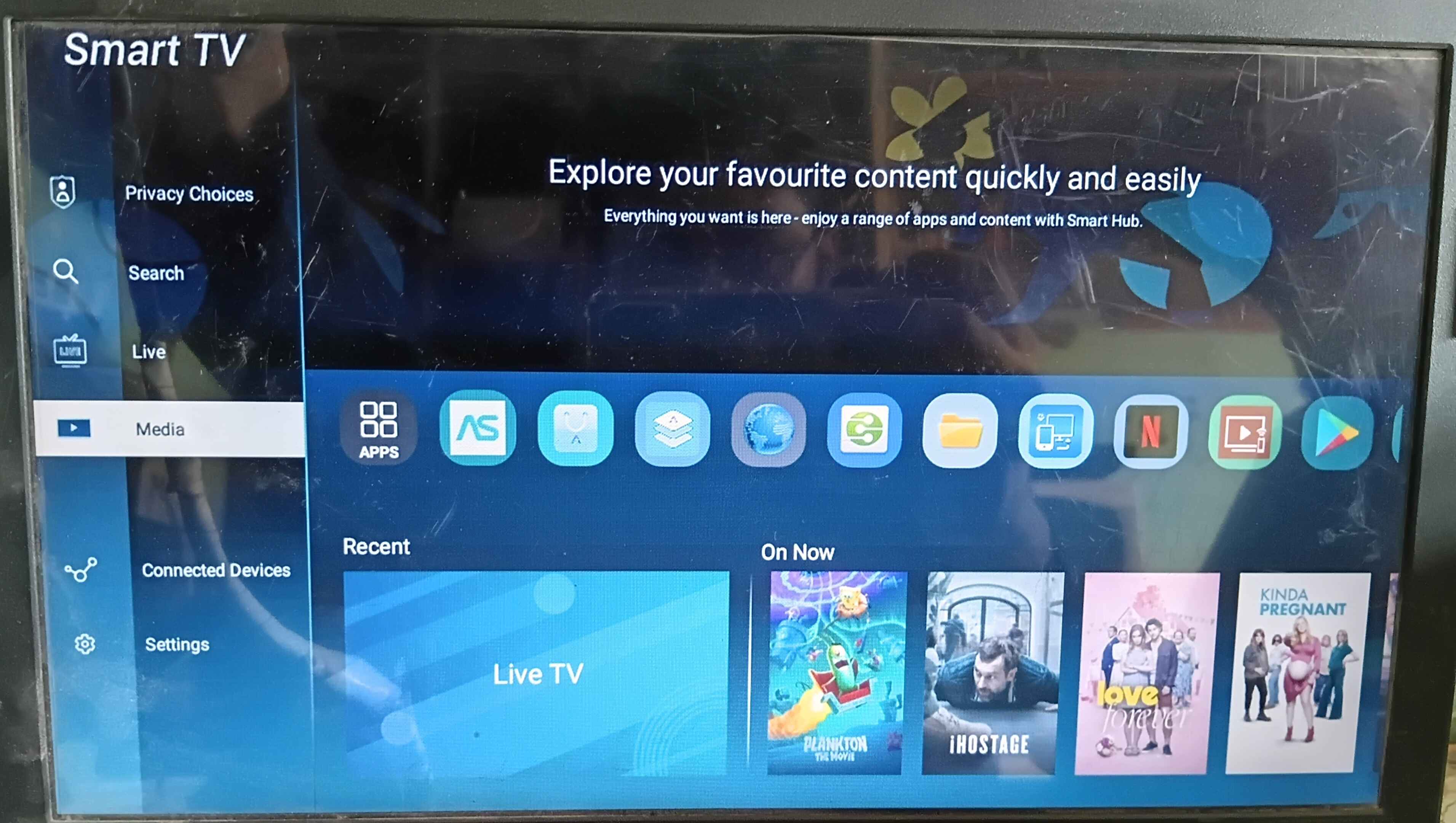
Netflix not working error 512 Not update crash problem fix. Installation progress... First, download the .APK file. Copy the .APK file to a USB drive. Plug the USB drive into your Android TV. Open Media Player, File Manager, or a similar app. Select the USB drive and click netflix.apk. Click Install and wait for the process to complete. Installation successful. Enjoy! Netflix Apk Version : 9-79-1-build-5-64549
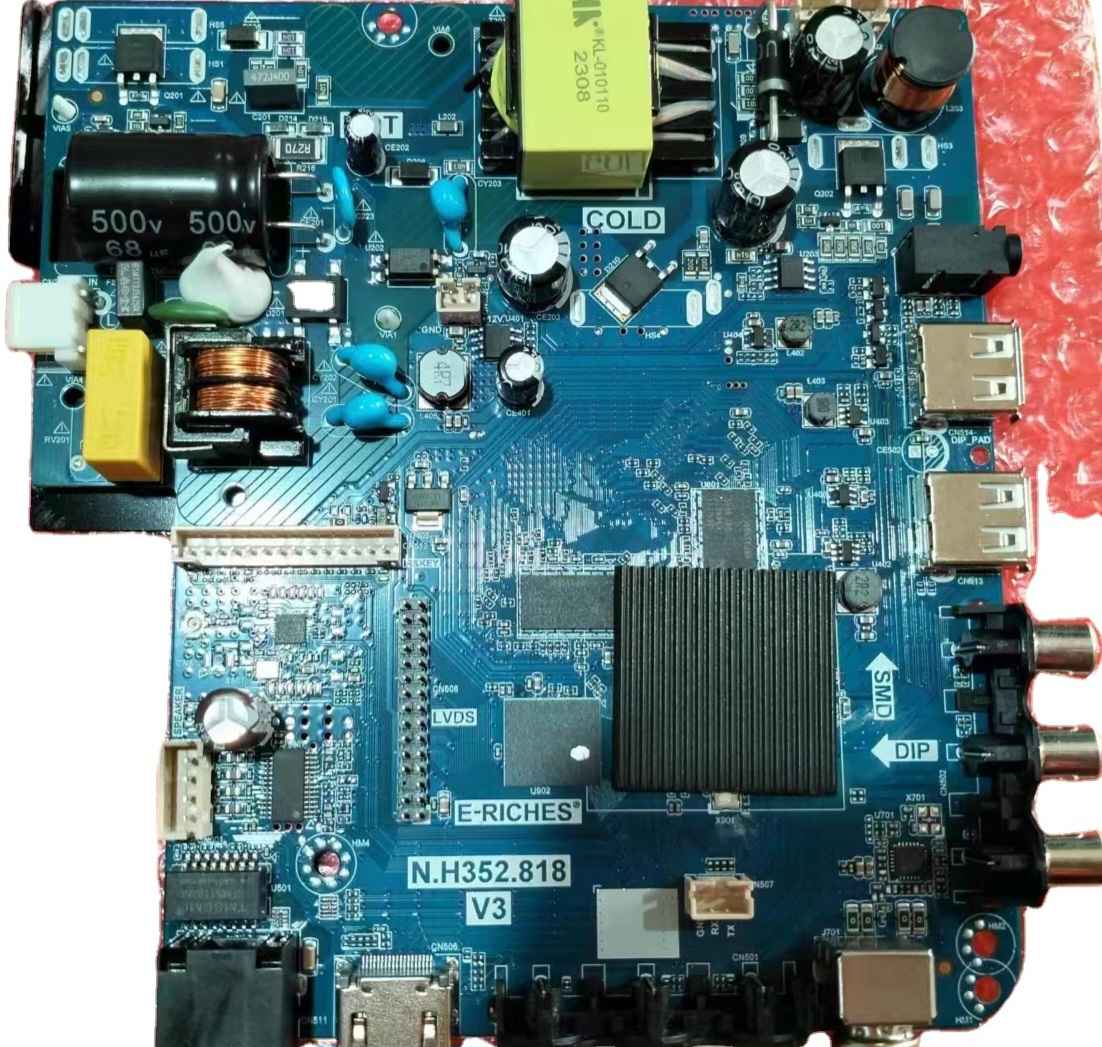
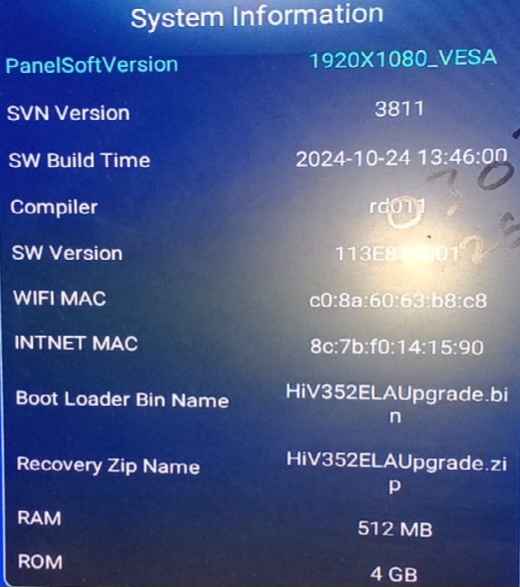
N.H352.819 512MB 4GB TESTED FILE N.H352.819 Working version v3 v4 v5 v6 v7 Ram 512MB show 1GB Rom 4GB show 8GB Android 14 Resolution 1366x768 Working remote samsung 0707 OS034_PAK_N_H352_819_253_E _034E819W02_512_4G_AN14_8O8W _1366x768 File name HiV352ELAUpgrade.bin Tested file 💖 New update Youtube working
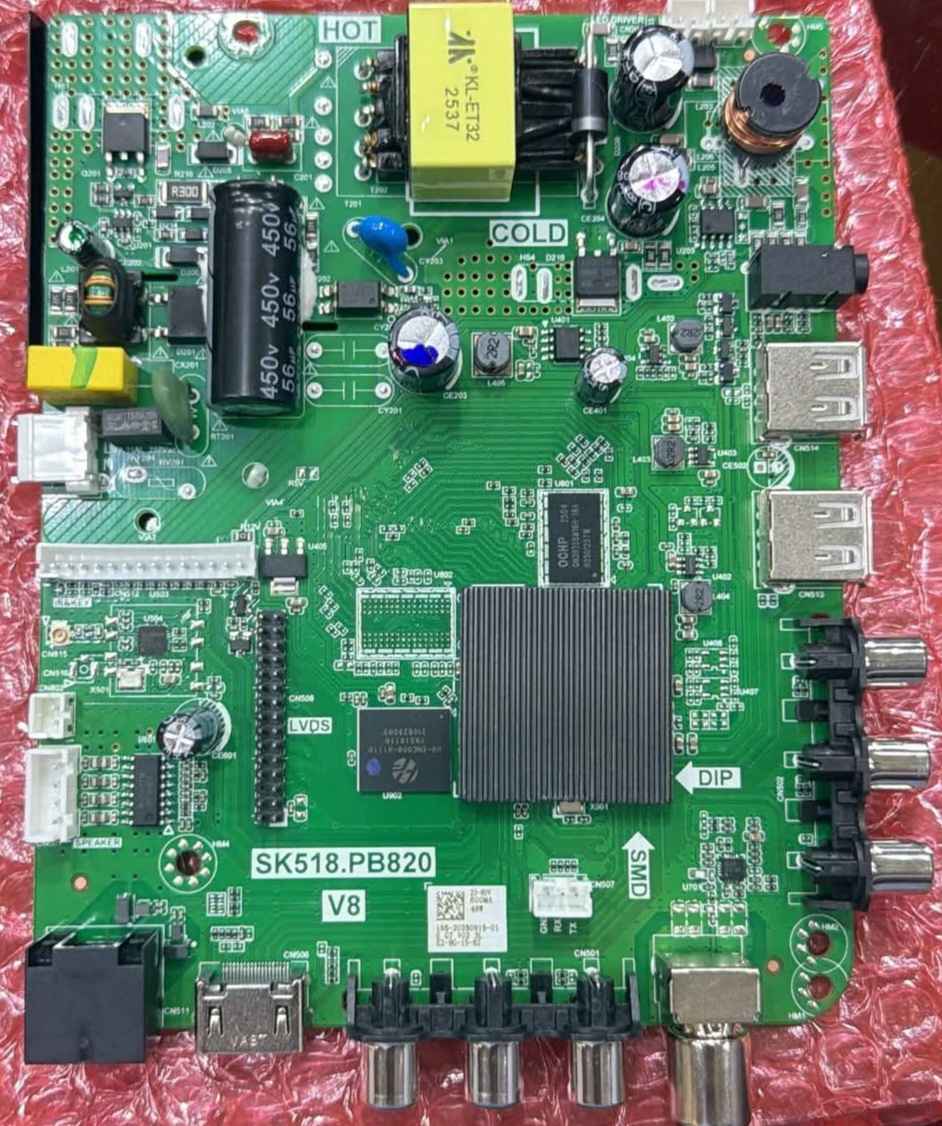
SK518.PB820 V8 Software firmware Download SK518.PB820 V8 Updated Software Download Pcb SK518.PB820 Version V8 Ram 512MB Rom 8GB Tested File Working remote samsung our voice remote Tuner IC AB253 Wifi ic Altobeam 6032 our 6032i First logo Google Tv Home ui 024 Working resolution 1366x768 our 1920x1080 Boot Animation Google Tv Bluetooth Enable Android 16 《 100% Tested File 》 Latest Firmware Youtube Working
N.H352.819 V7 New Ui Updated Software N.H352.819 Updated Ui home Software Ram 512MB Show 2GB Rom 8GB Show 16GB Android 16 Updated software Tested file Resolution Change Codes 1366x768 > Input + 03661 1920x1080 > Input + 03662 Working remote Samsung 0707 Voice remote working Bluetooth Enable USB Update
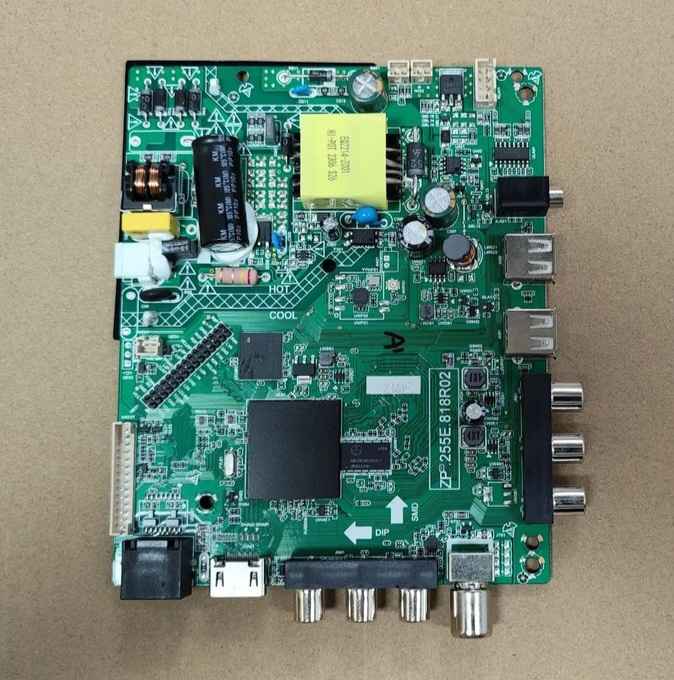
ZP.255E.818R02 Updated software Usb update Ram 512MB Rom 8GB Updated software youtube working Resolution 1366x768 Working remote M90 Tested file 1. Install software 2. Download the RAR file and extract it. 3. Format USB in [Format = fat32] 4. Copy the extracted file in USB 5. Attach it to the tv and plugin power software update will start Note: Use at least 8GB USB UPTO 32GB 1. Smartledzone Team is not responsible for any type of damage/loss as a Result of Uploading/Downloading the Firmware 2. Software Firmware file 100% Tested by SMARTLEDZONE